

Script supervising on the iPad
LockitScript App
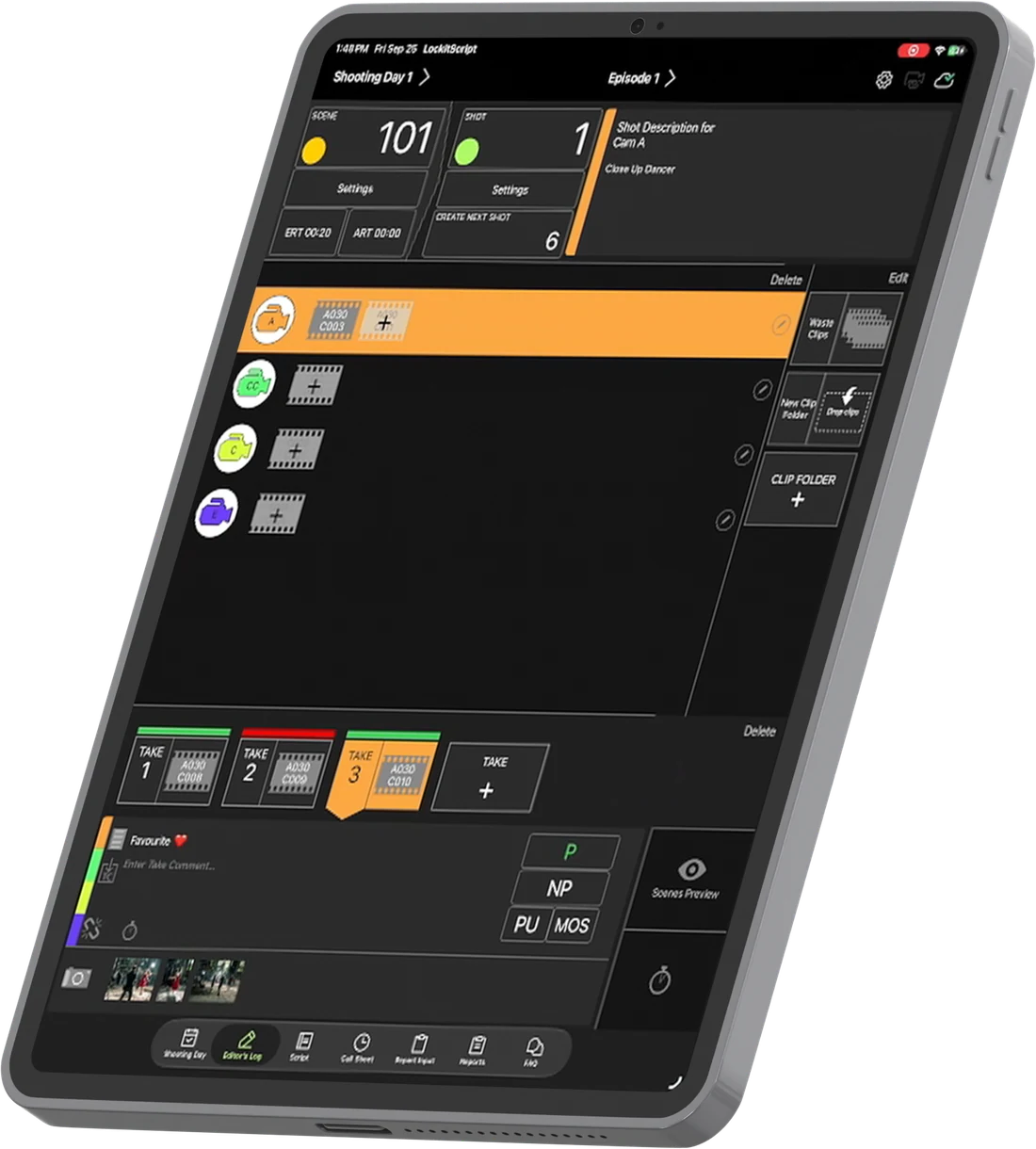
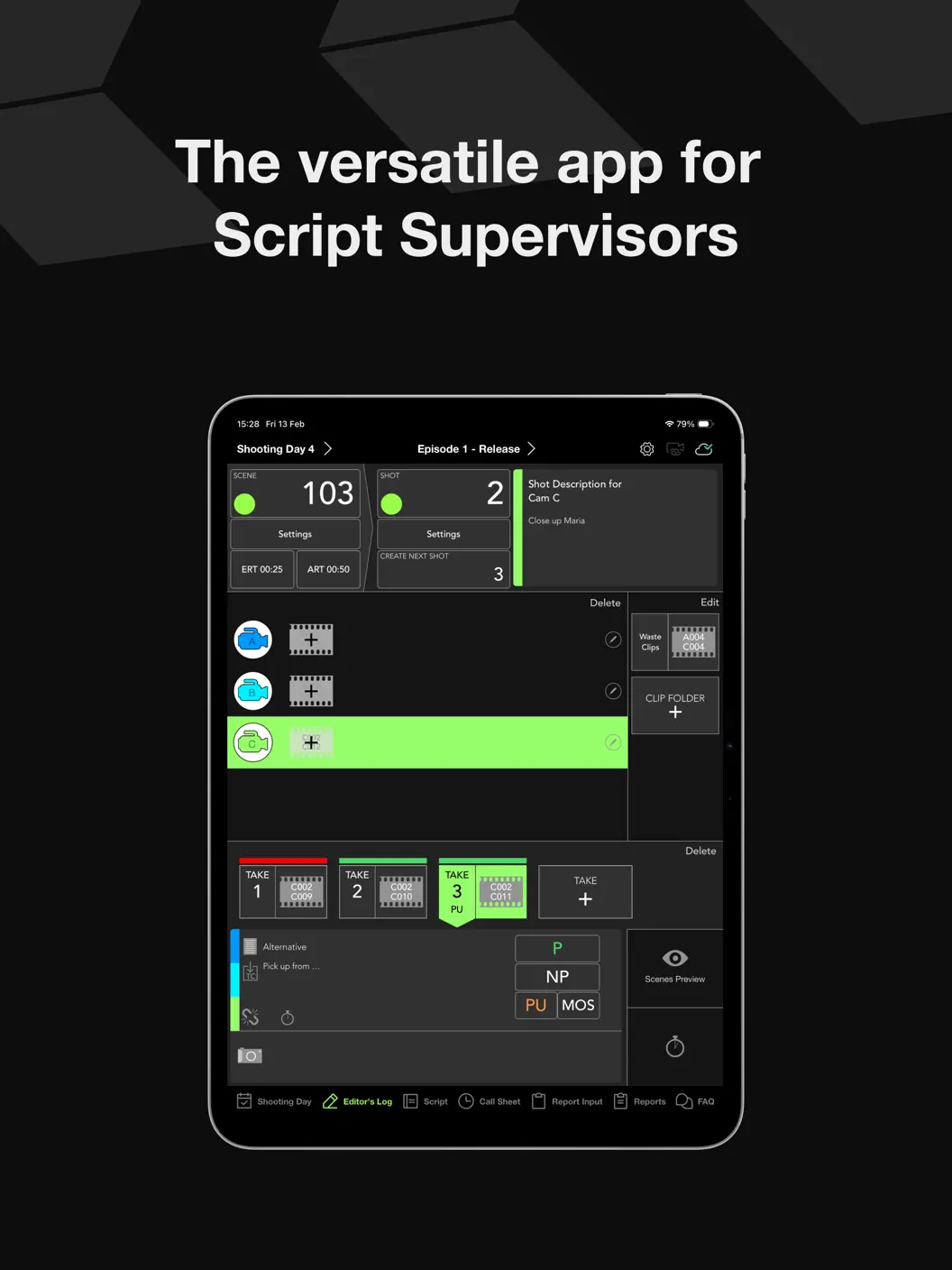
LockitScript is the versatile script supervising app for iPad. It supports script supervisors in their demanding job with comprehensive, intuitive data entry, automated calculations, and super-fast report generation.
Free to download – perfect for trying things out. More features, customised report formats, and metadata files for the post-pro come with the Production Service.
01 Int. Film Set – Day
What you get as a script supervisor
Paperless
Work digitally in an intuitive app built specifically for script supervisors.
Save time
Automated reports save you a lot of time after wrap.
All-in-one
Everything you need for your daily work in one place.
02 Int. Film Set – Continuous
App features
- Input fields for every report you need
- Works for features and series
- Supports EU, US and continuous slating
- Clip-based workflow
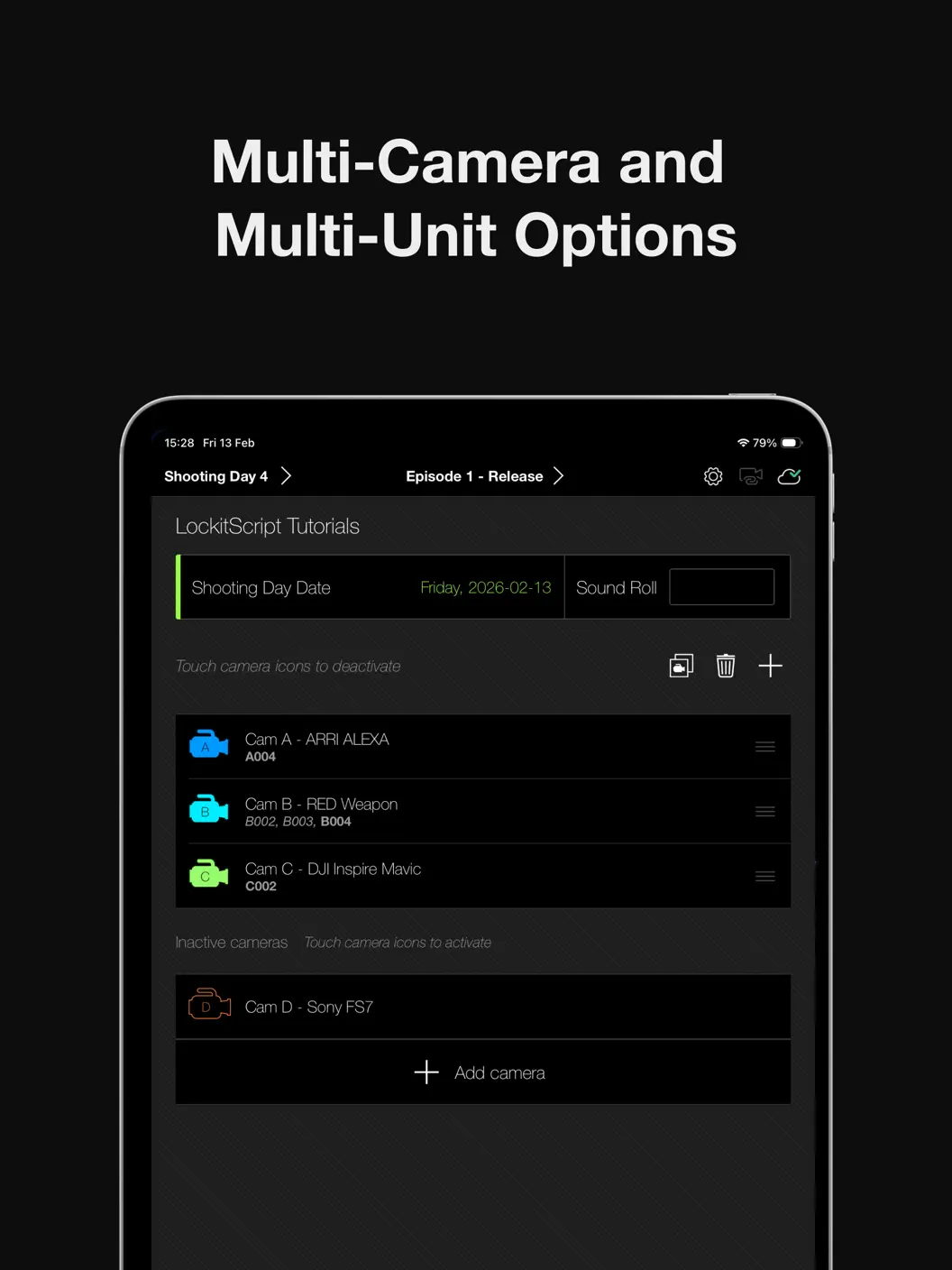
- Multi-camera support
- Lined script with on- and off-screen passages and notes
- Cloud backup included
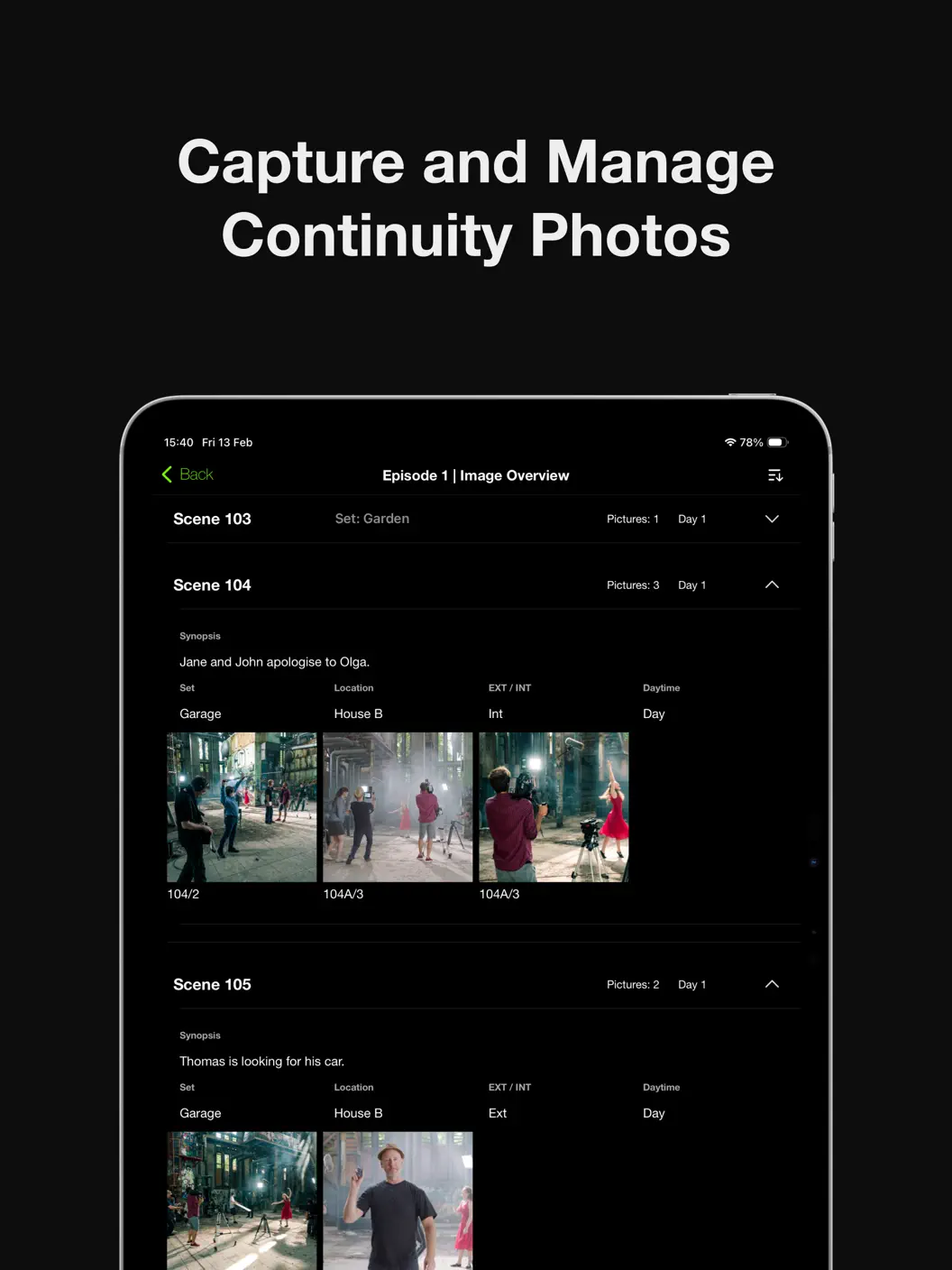
- Stopwatch, continuity photos, department time tracking and much more
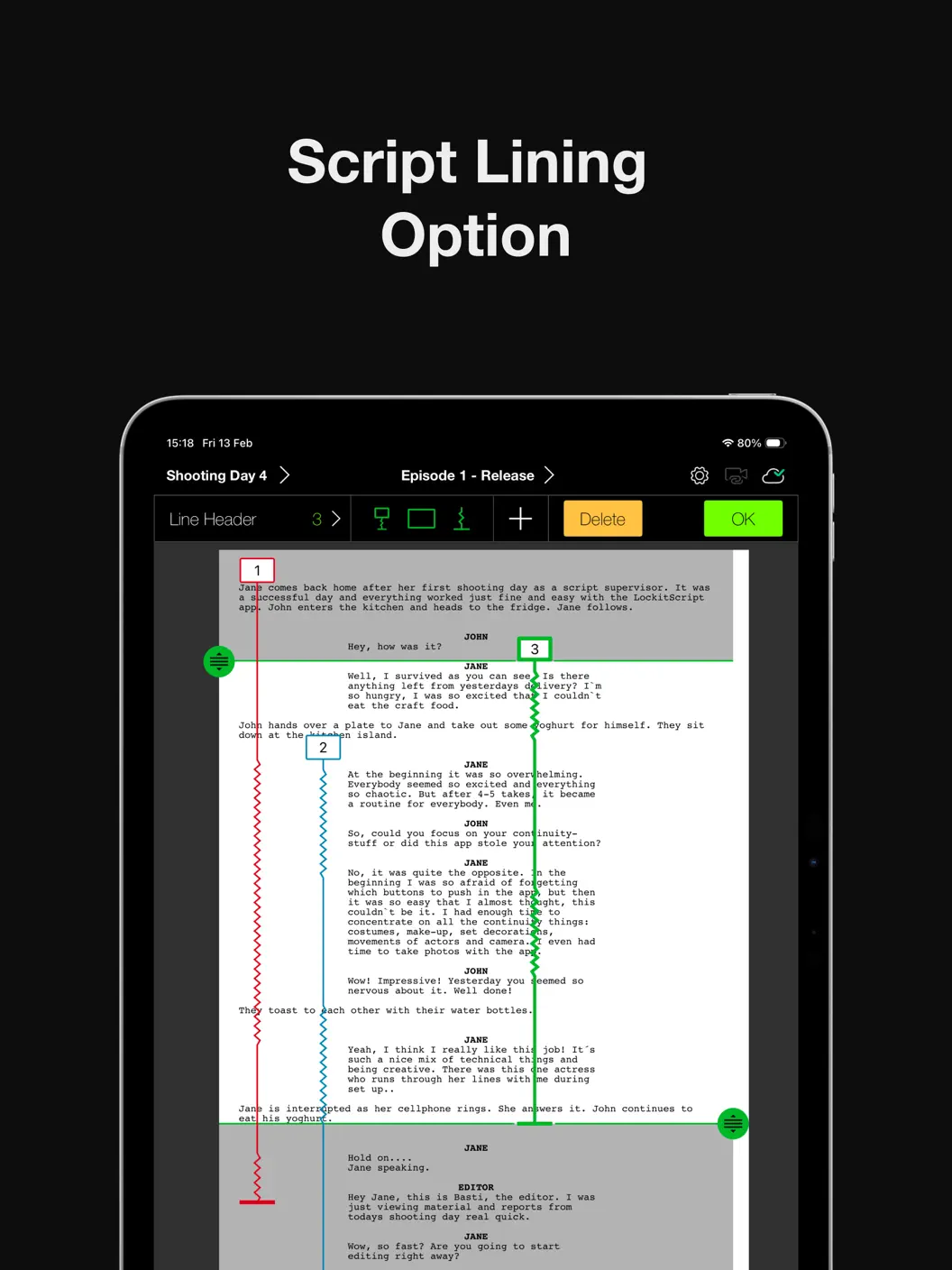
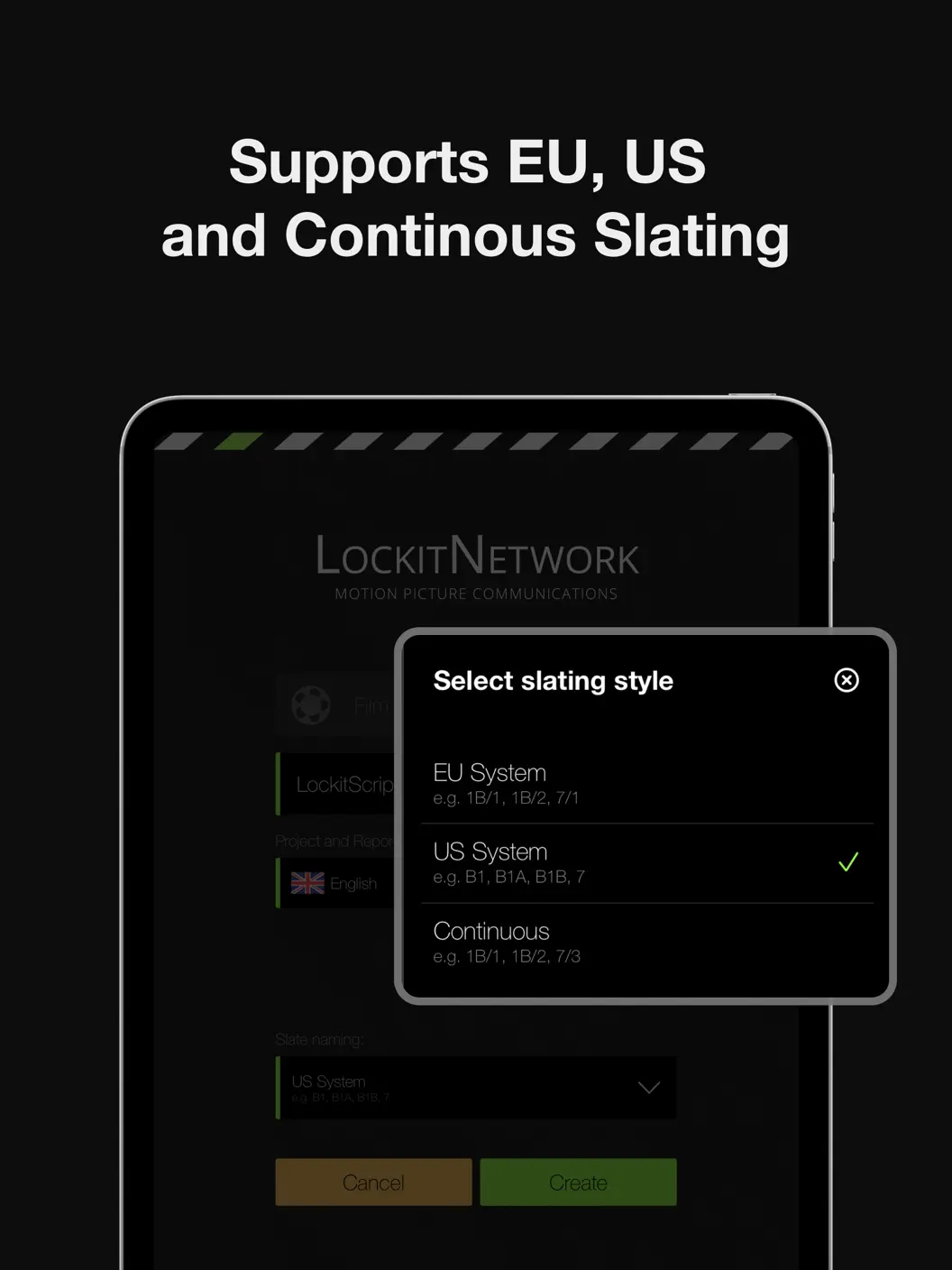
03 Int. Production Office – Evening
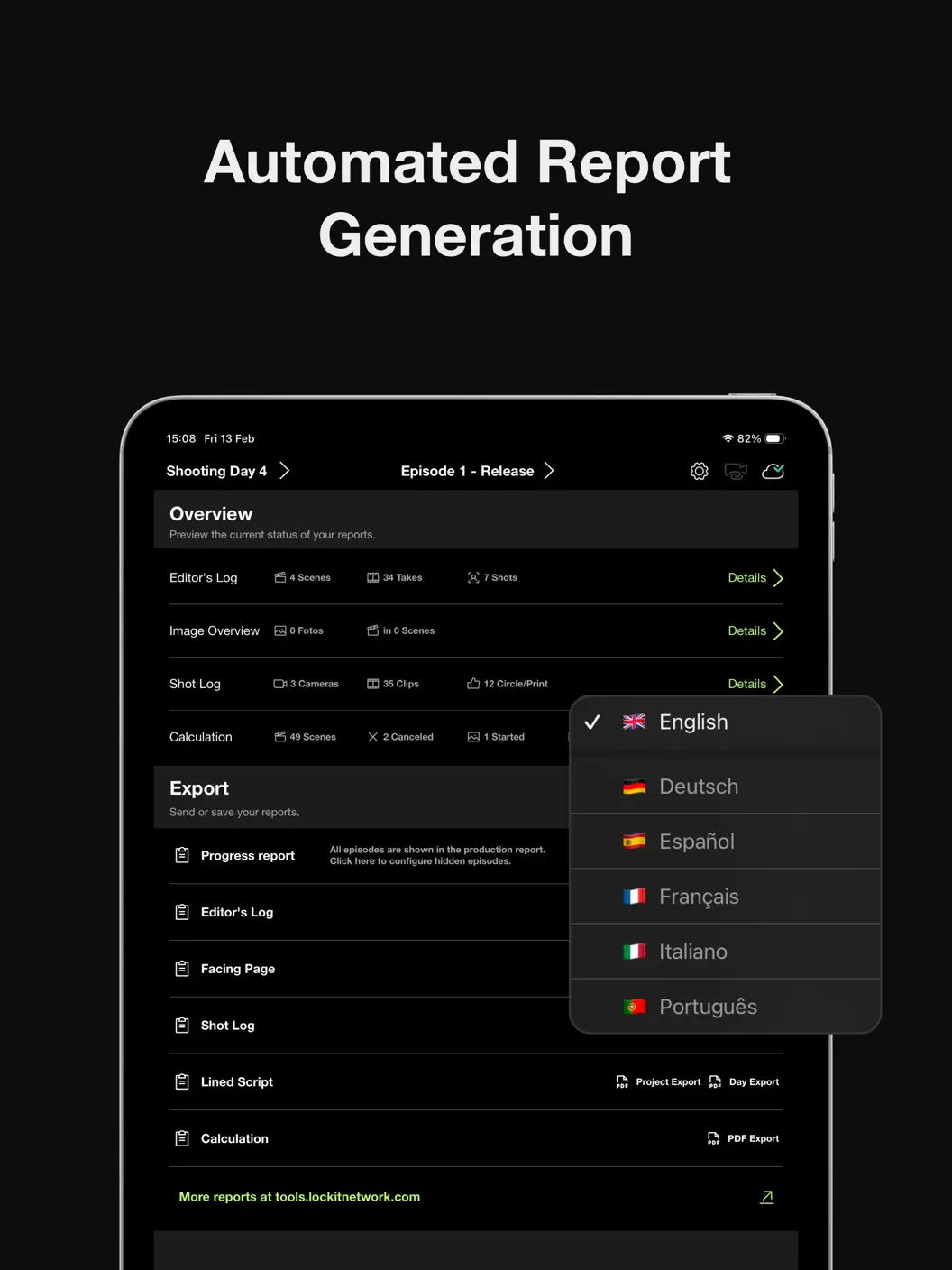
Generated automatically …
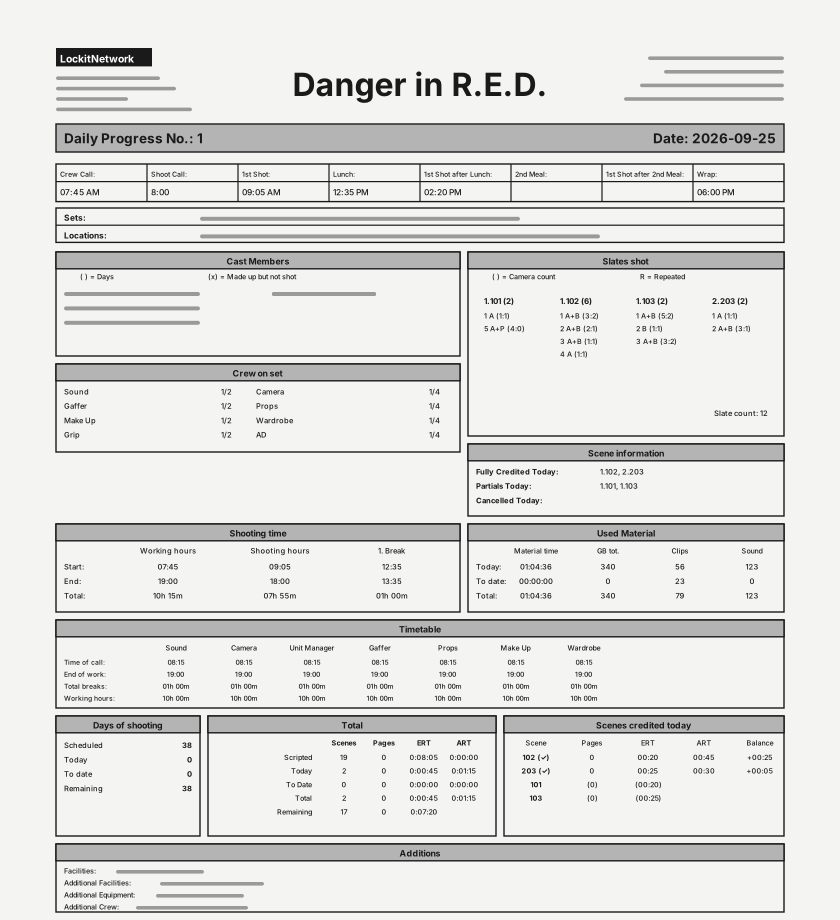
Daily progress report
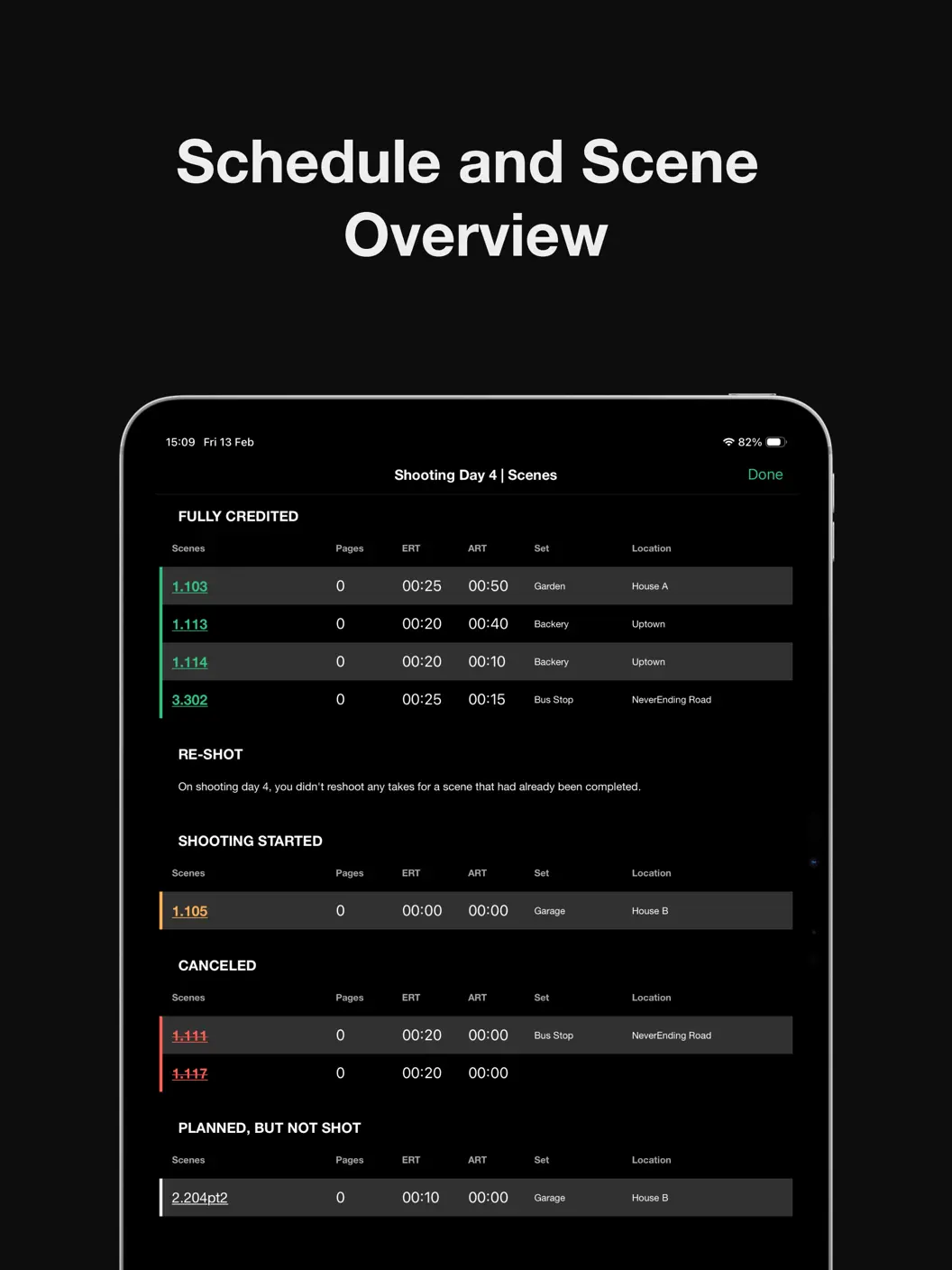
Scenes shot, cast, working and stop times – everything the production office needs to know.
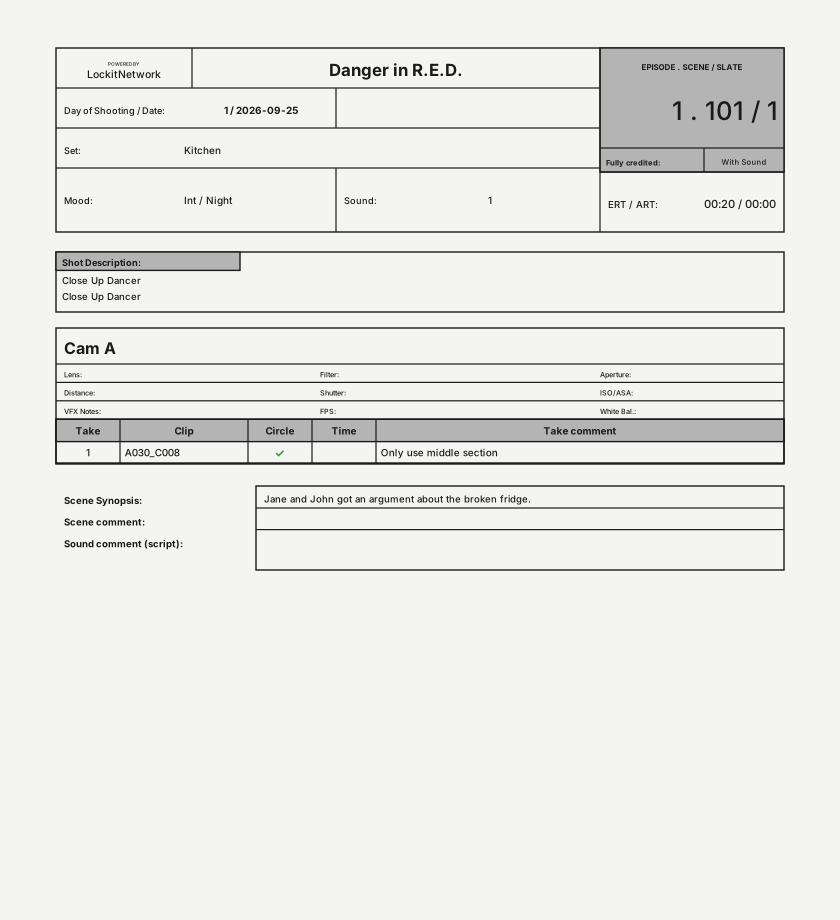
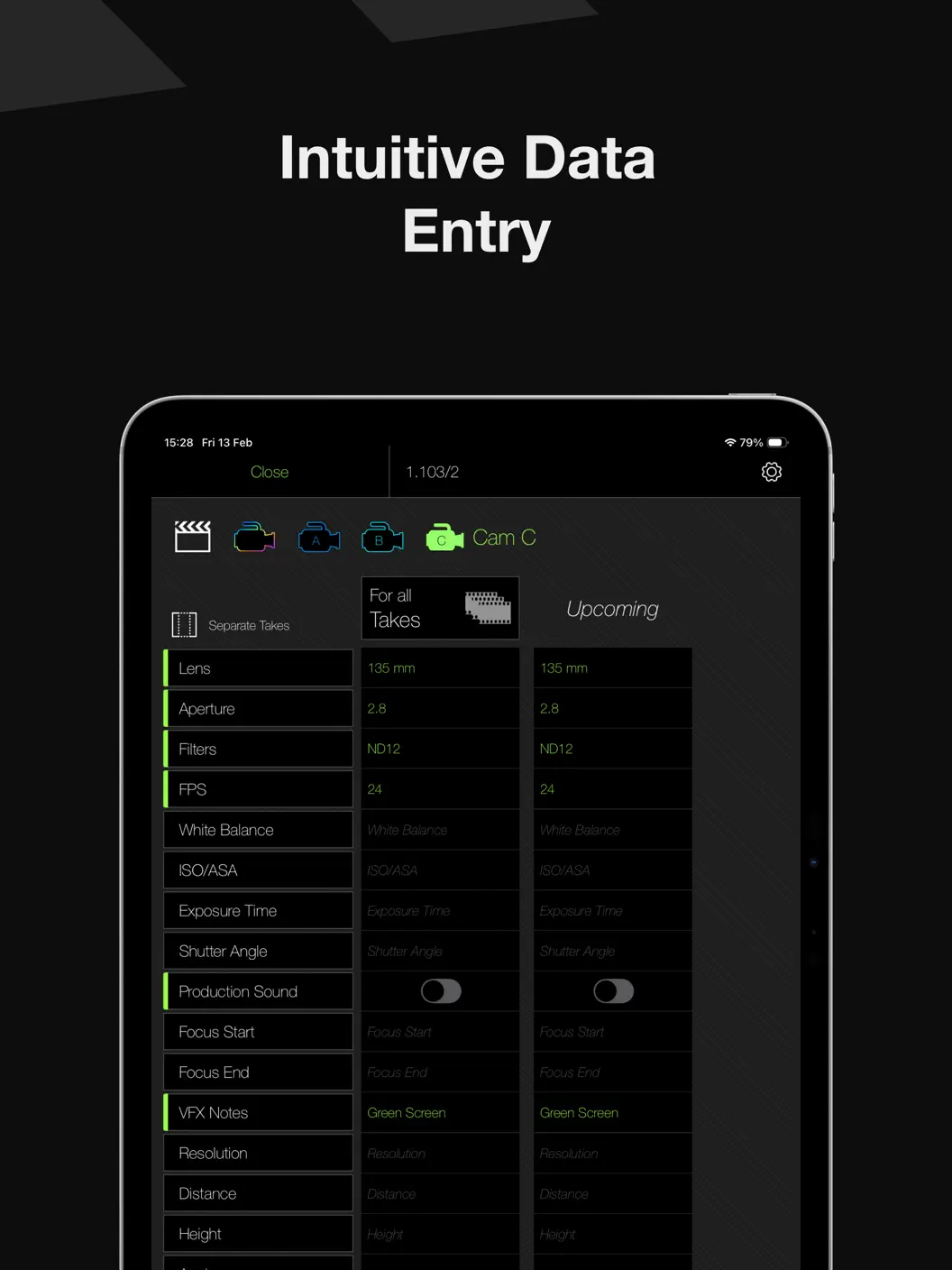
Editor’s log
One page per setup with all camera settings and editorial notes.
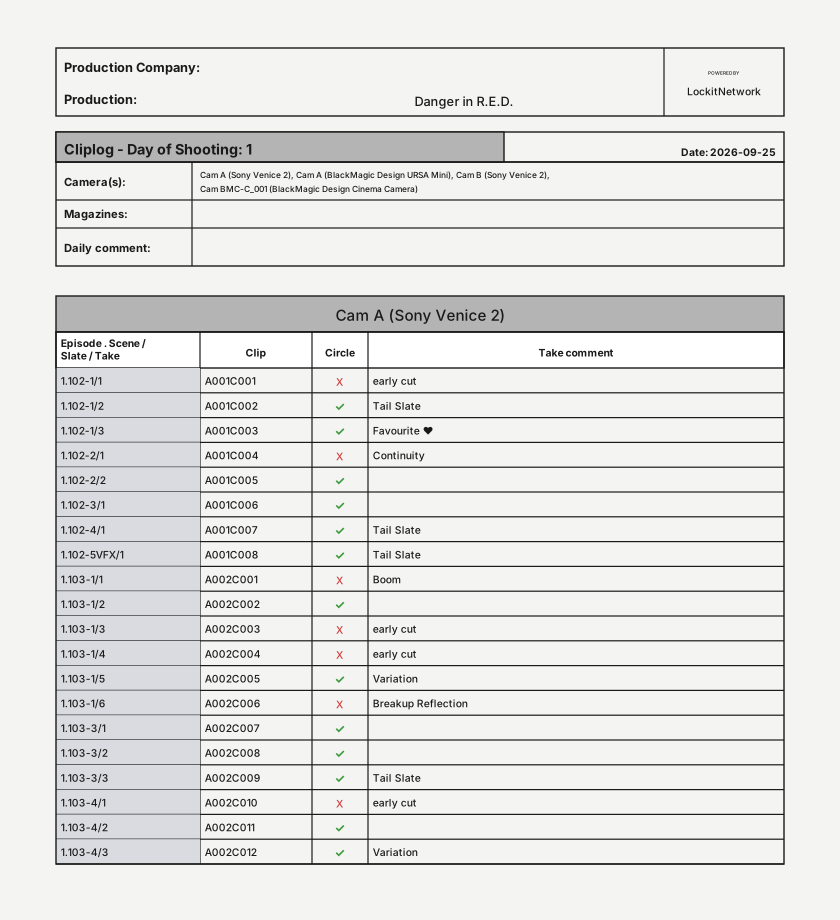
Shot Log
Clip-based list of every take of a shooting day.
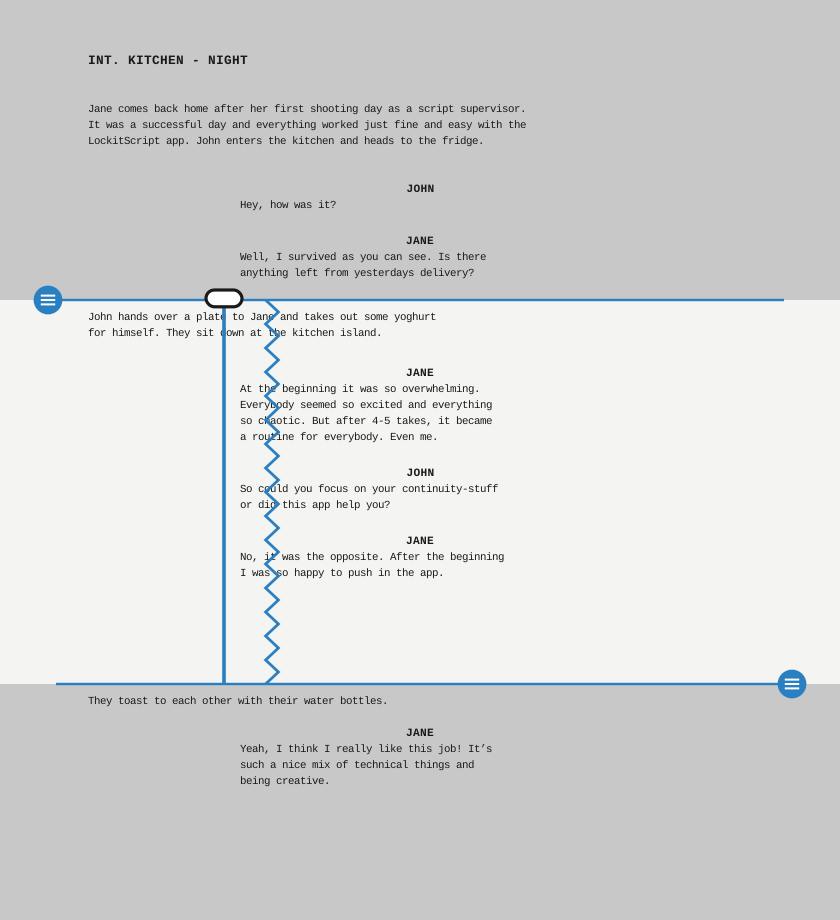
Lined Script
The lined script with on- and off-screen passages and notes.
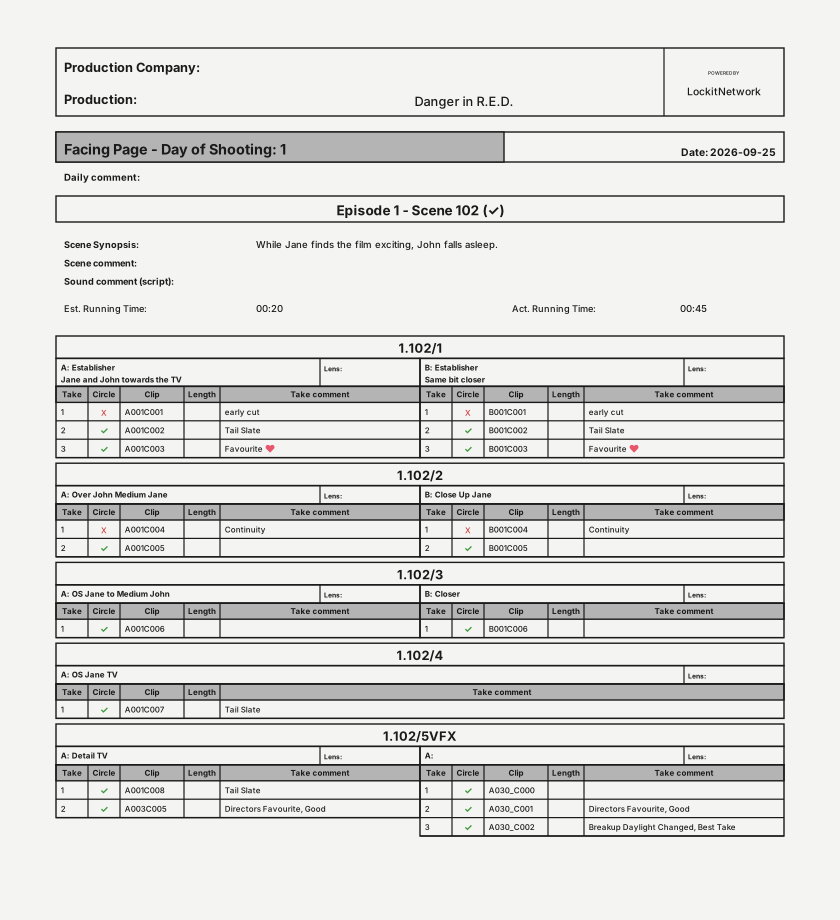
Facing Pages
Per scene, the lined script side by side with the shots and takes of that scene.
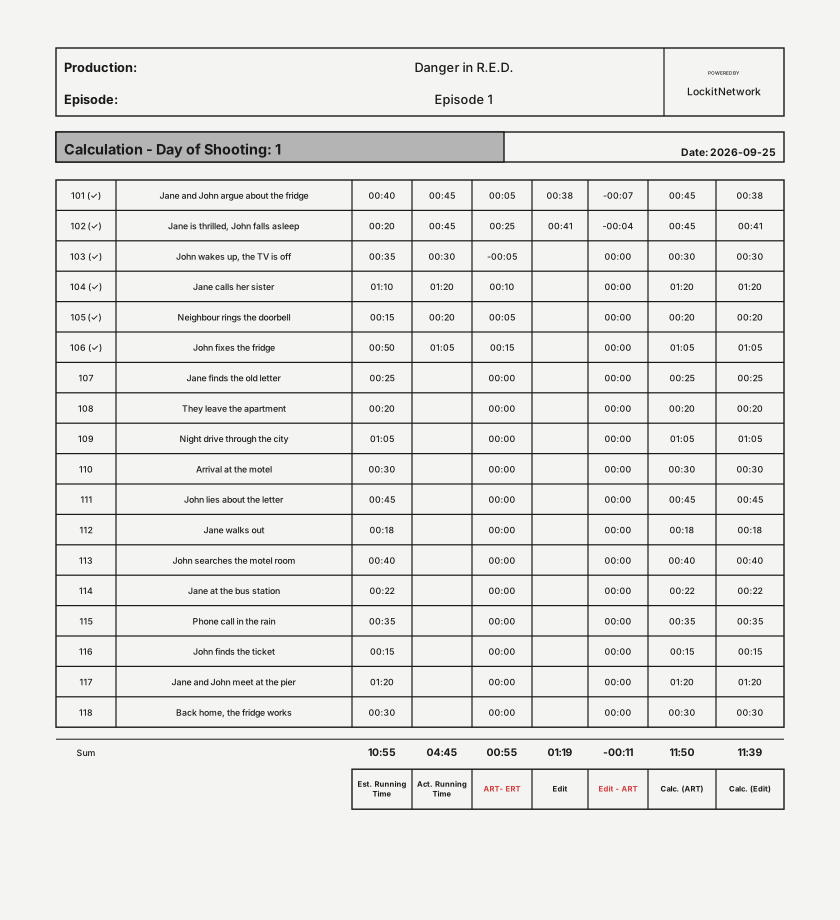
Calculation
Current running times calculated automatically, editing stop times included.
04 Statement
I have worked with nothing but LockitScript for years now. What changed for me is that I only enter something once, and the editor’s log, the negative report and parts of the daily report are generated from it. So I no longer have to produce those three reports separately.
For me it is a huge improvement to save time after an exhausting shooting day instead of sitting over the daily reports. (…) Working digitally makes it easier to keep the overview. That way you feel far more involved in the content and can communicate better with the director.
05 Int. Editing Room – Day
Extra features with the LockitNetwork Production Service
You can start with LockitScript for free – but combined with the Production Service, there's so much more you can do.
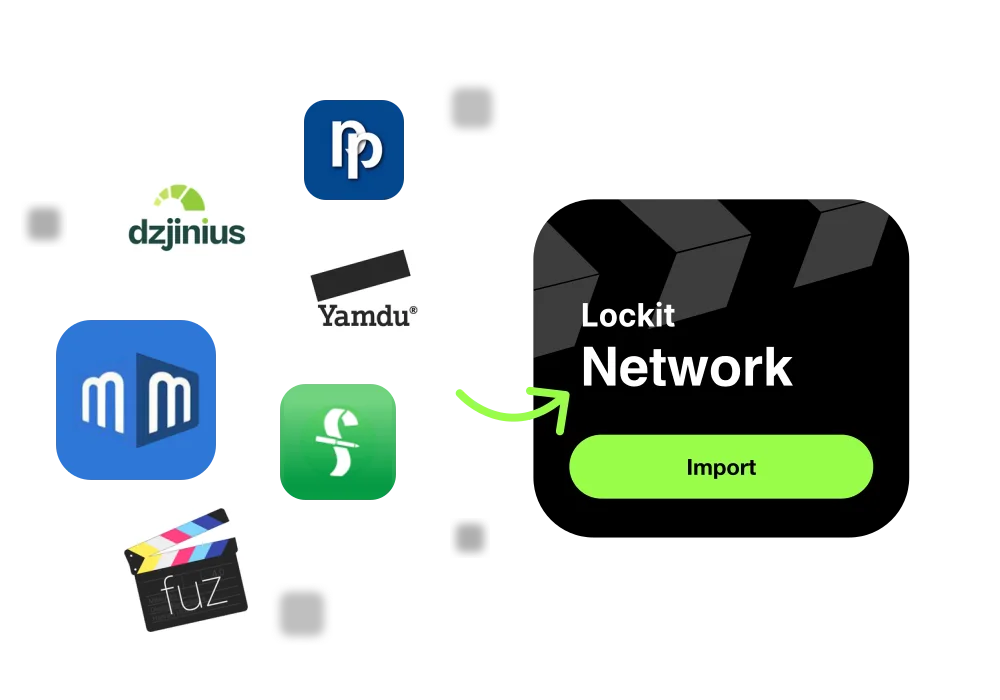
Fast import
- Import shooting schedules and scripts from other tools such as Dzjinius to fill your project automatically
- Metadata import from Fuzzlecheck, Movie Magic, Final Draft, Preproducer, Yamdu, Dzjinius and more
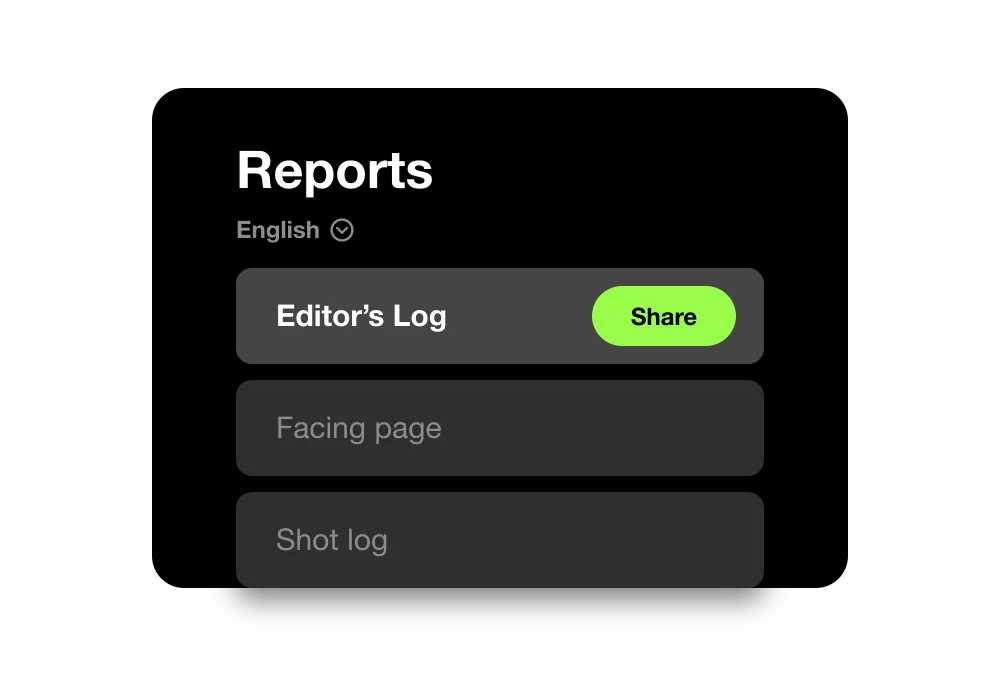
Custom reports
- Build individual layouts for every report
- Produce reports in six languages: German, English, Spanish, French, Portuguese and Italian
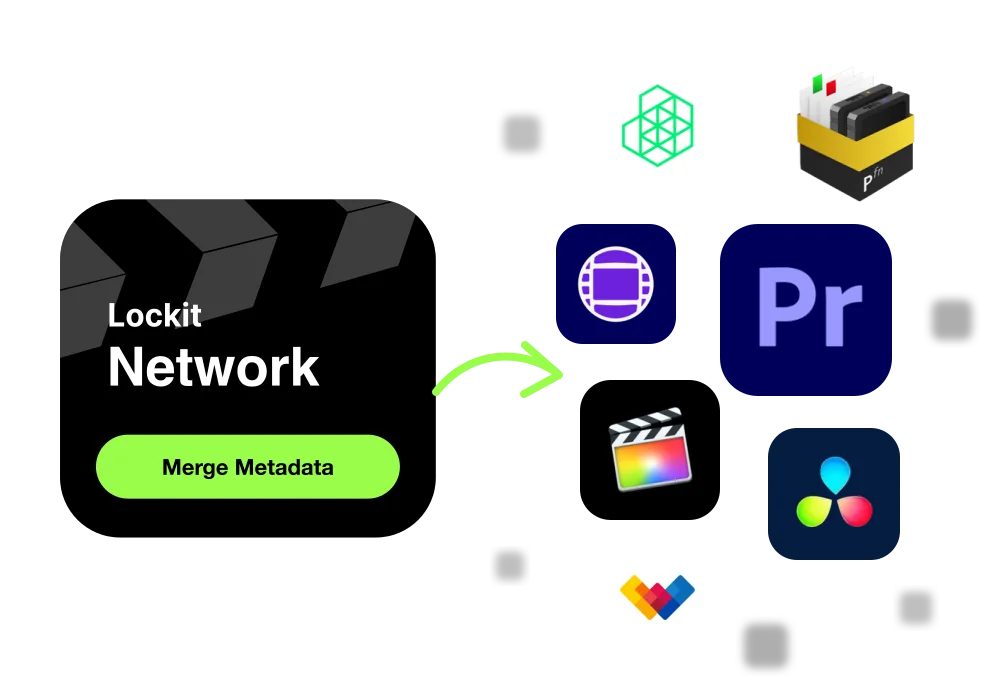
Metadata for post
- Make everything you logged in LockitScript visible as clip-based metadata inside the editing tool
- Supports Avid, Premiere Pro, DaVinci Resolve, Final Cut, Pomfort Silverstack and more
06 End Credits
How can we help?
Whether a new project is coming up, you have feedback or you need support on a running project – just get in touch.